
AI Detector for Images, Video, and Text
Detect AI-generated, deepfaked, or edited content in seconds. Paste a link or upload a file to instantly check if it’s real.
What you can scan
- Images - check whether a photo, screenshot, or artwork looks AI-generated or edited.
- Video - scan clips for deepfake-style artifacts, inconsistent frames, and other AI video signals.
- Text - check whether pasted writing may be AI-generated.
- Screenshots & crops - run a quick check when you cannot get the original file.
Why Toren
- Customer input - We value our users' feedback and depend on it to continue growing.
- Always improving - Our model is continuously learning, improving, and evolving with emerging tech.
- No gimmicks - Toren is powerful, with results backed by our proprietary learning models and algorithms.
- Privacy-first - User data, uploads, and results are protected - always.
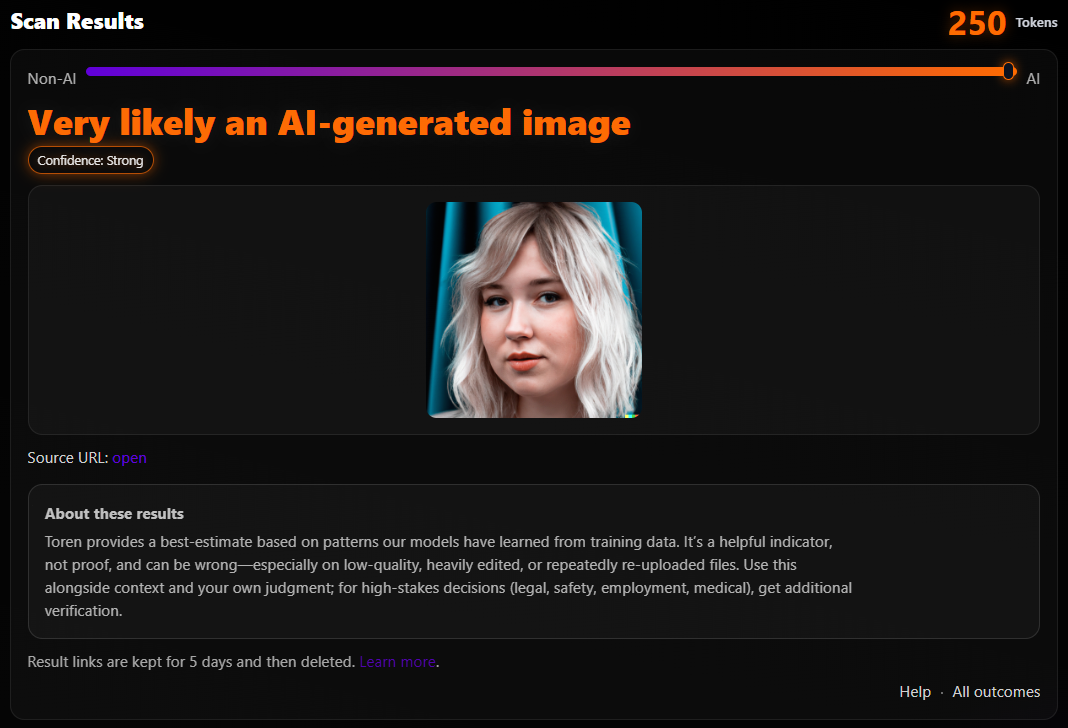
What to expect
- Easy to read - clear AI-signal outcomes from strong to none.
- Detailed - deeper signal breakdowns are there when you want them.
- Video checks - we sample multiple moments across the clip instead of relying on one frame.
- Saved results - logged-in scans can be revisited for up to 5 days.
FAQ
Are results always correct?
No. An AI detector should help you make a better decision, not replace source checks or common sense.
Do you keep my uploads?
Free guest scans are not saved to an account. Logged-in scans keep the result for a limited time so you can revisit it later.
Why do some URLs fail to scan?
Many social and hosting platforms block direct media access. If a URL scan fails, download the file or use a screenshot instead.
How do free scans work?
The AI Image Detector uses the free guest allowance first. After that, users need to create an account to keep scanning.
More details in the Help Center.
Detection guides
Explore the public guides for checking images, video, and text, plus quick pages for the most common authenticity questions.
AI Image Detector
Scan photos and screenshots to check whether they appear AI-generated or manipulated.
AI Video Detector
Check clips for deepfake-style artifacts, frame inconsistencies, and other AI video signals.
AI Text Detector
Analyze pasted text for AI-writing signals and get a clear signal-based result.
Is this video real?
Use the quick guide for viral clips and suspected deepfakes before you run a scan.
Privacy you can trust
Uploads are processed and then deleted. We only collect what’s needed to run your scans and manage your account.
Payments secured by
Subscriptions and token packs are processed securely by Stripe. We don't store any card details, checkouts are directly with Stripe
Learn more at stripe.com