Image authenticity
AI Image Detector
Not sure if a photo is real? Toren can tell you if it has any AI-generated characteristics. A great tool when you aren't sure if something is genuine or not.
15 free tokens
Use tokens to run scans
Quick to use
Upload → scan → results
Easy explanation
Get detailed results
Already have an account? Log in.
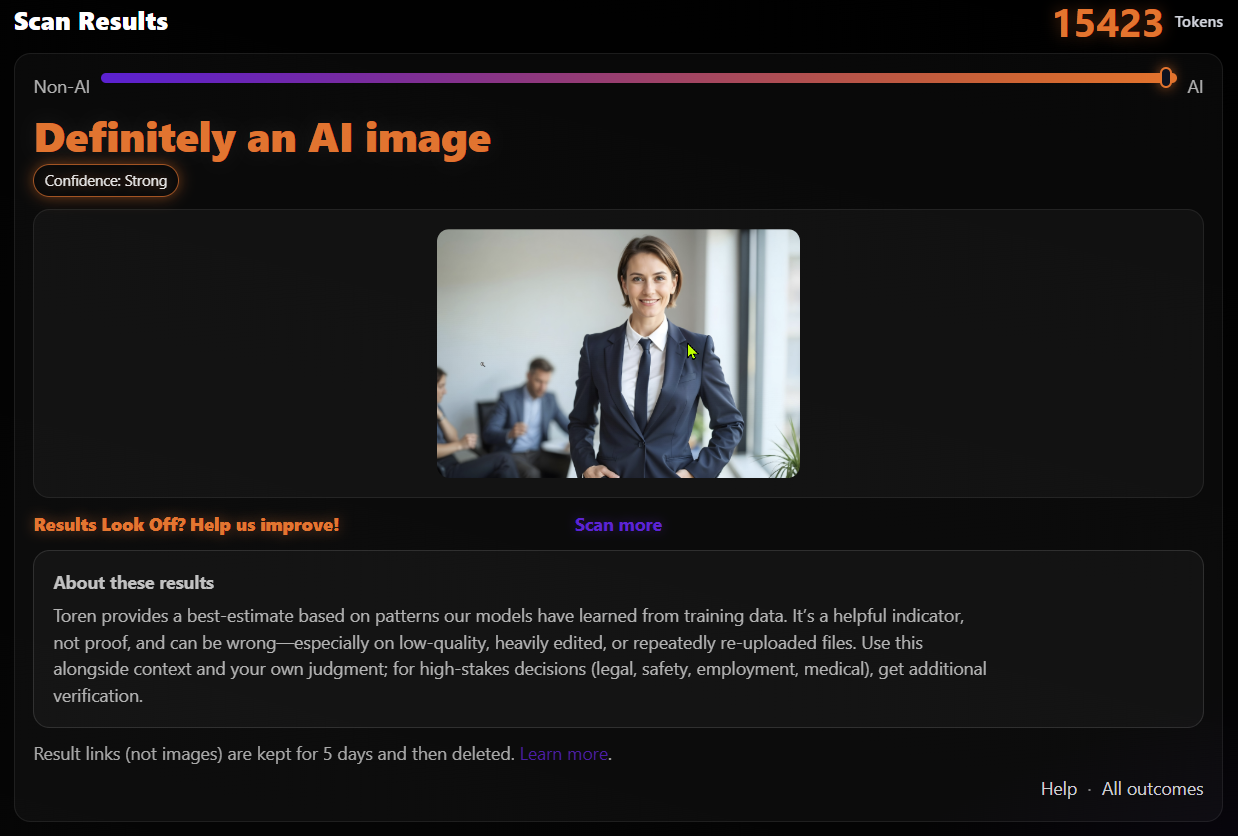
How it works
- Upload
- Analyze
- Read the result
Tip: scan the original file when you can. Although screenshots work, they reduce the quality of the scan.
Common reasons to use Toren
- Misleading social posts
- Fake profiles
- Misinformation through altered media
- AI-generated content posing as real
What you’ll get
- An AI or Non-AI outcome
- A confidence score for the result
- A tool to help make more informed decisions
No detector is perfect. Use this along with common sense and source checks.
AI Image Detector FAQ
Can you tell if a photo is “100% real”?
We provide a likelihood score and explanations based on detectable signals. Treat it as a starting point, not a definitive answer.
Does metadata matter?
Sometimes. But many apps remove it when you share a photo. We mainly look at what’s in the image itself.
Will screenshots reduce accuracy?
Sometimes. When you screenshot an image, some of the quality is lost, this will more than likely make an image more AI-like, not the other way around. When possible, scan the original file.
Do I have to sign up to scan?
Yes. New accounts start with 15 free tokens. Each scan uses tokens.