Video authenticity
AI Video Detector
When a clip is going viral, you don’t have time to guess. Toren helps you check whether a video looks AI-generated or heavily edited.
15 free tokens
Use tokens to run scans
Checks frames
Looks for odd inconsistencies in a number of frames
Clear result
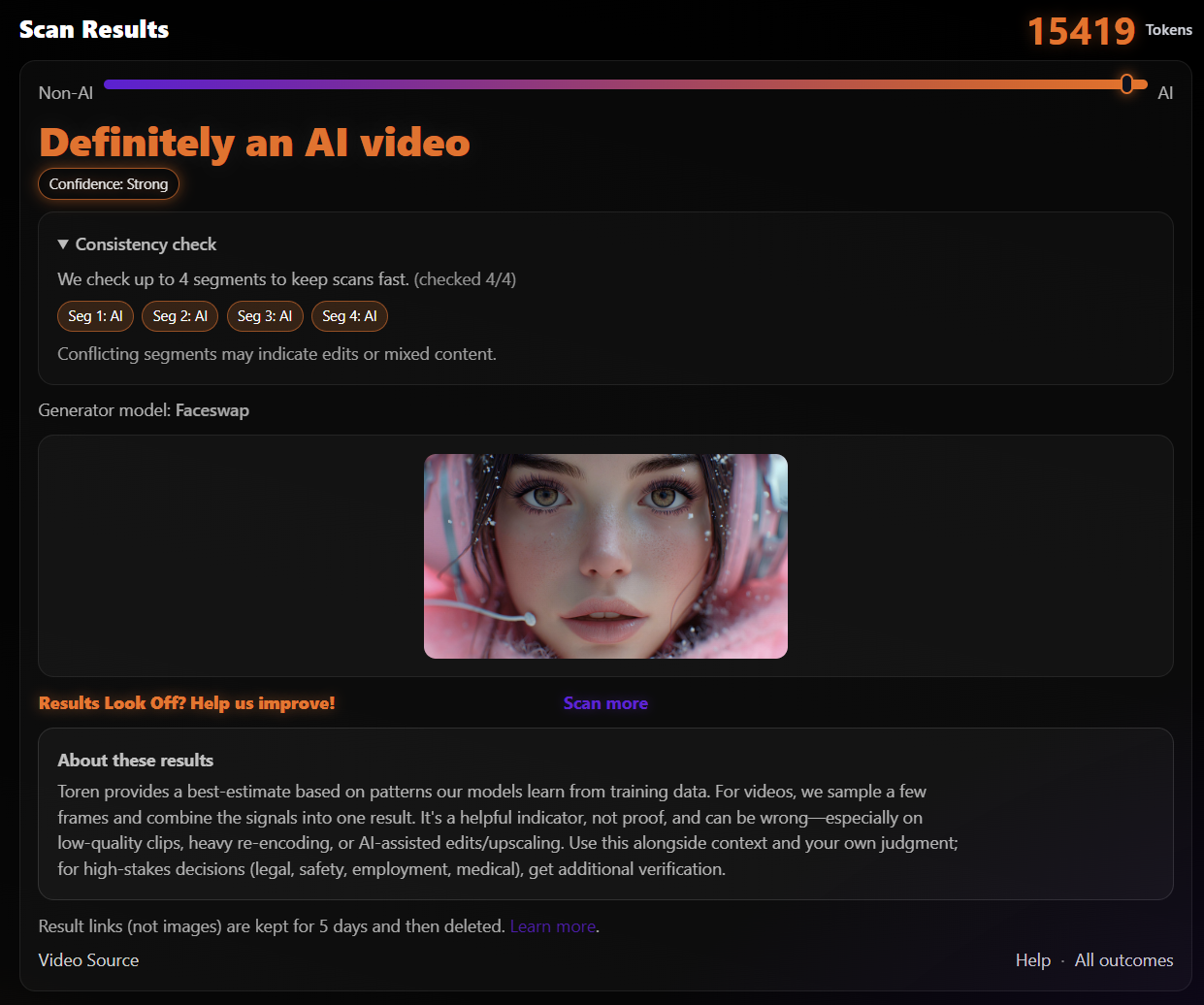
Non-AI or AI outcomes for each frame scanned with an overall decision and confidence score.
Already have an account? Log in.
What can you scan?
- Common video file formats (MP4, MOV, AVI, etc.)
- Some direct video URL's, most social sites block direct URL scanning.
- Screenshots of videos (less accurate)
Heads up: social platforms often block direct scanning from a pasted URL. Downloading and uploading the video is usually best.
Videos use 4 tokens. See token costs.
Common AI generated videos
- Face swaps and impersonation clips
- Fake “breaking news” footage
- Edited evidence or staged incidents
- Alot of social and viral content
How to interpret results
- Very likely AI: strong AI signals meaning it is probably AI
- Mixed signals: not enough evidence either way but it typically lands on the right side leaning Non-AI or AI
- Very likely Non-AI: no AI signals, means it probably doesn't have any AI content
For anything important, double-check the source and look for more proof.
Why sign up first?
- Results saved to your account
- New accounts start with free tokens
- Buy more tokens when you need them
AI Video Detector FAQ
Can you scan YouTube / TikTok links directly?
Sometimes those platforms don’t expose a direct file URL. If a URL scan fails, download the video and upload it instead.
Does trimming the clip help?
Yes. A shorter clip that focuses on the section you aren't sure about can help.
Is a “Mixed signals” result partially AI?
Not necessarily. It means we don’t have enough evidence to be confident either way.
How many scans do I get for free?
New accounts start with 15 free tokens. Each scan uses tokens.